


8
Down
3
collect
Report
share

学习/手机使用1dm+多线程下载文件

大家在下载一些文件的时候,通常会遇到一些问题:

1.下载服务器限制速度

2.单线程下载龟速

等问题,这次我们就用1dm+这个软件来解决
所需文件
“X浏览器”请在手机应用商城搜索
“网盘下载助手”
基础教学
1.安装1dm+软件,打开至主界面
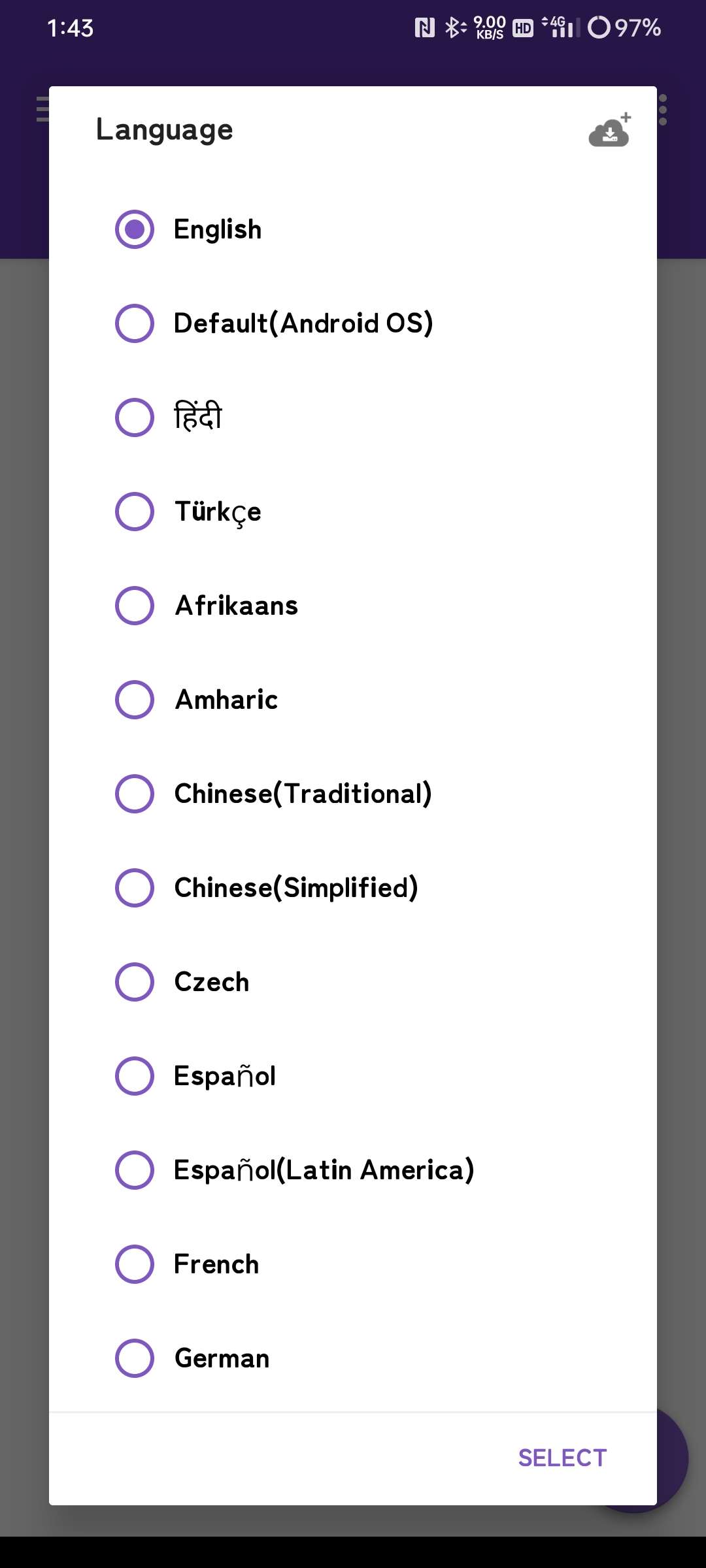
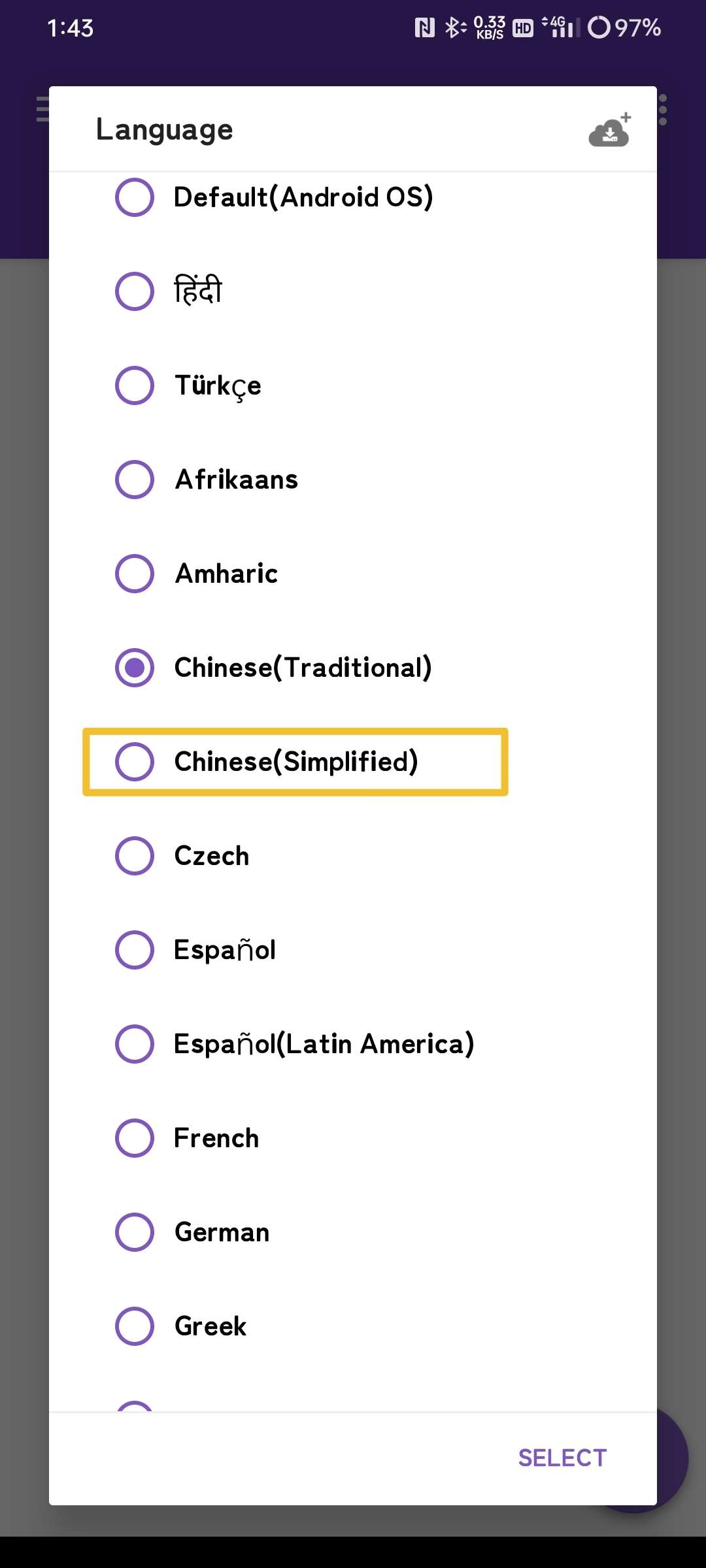
下滑,选择简体中文
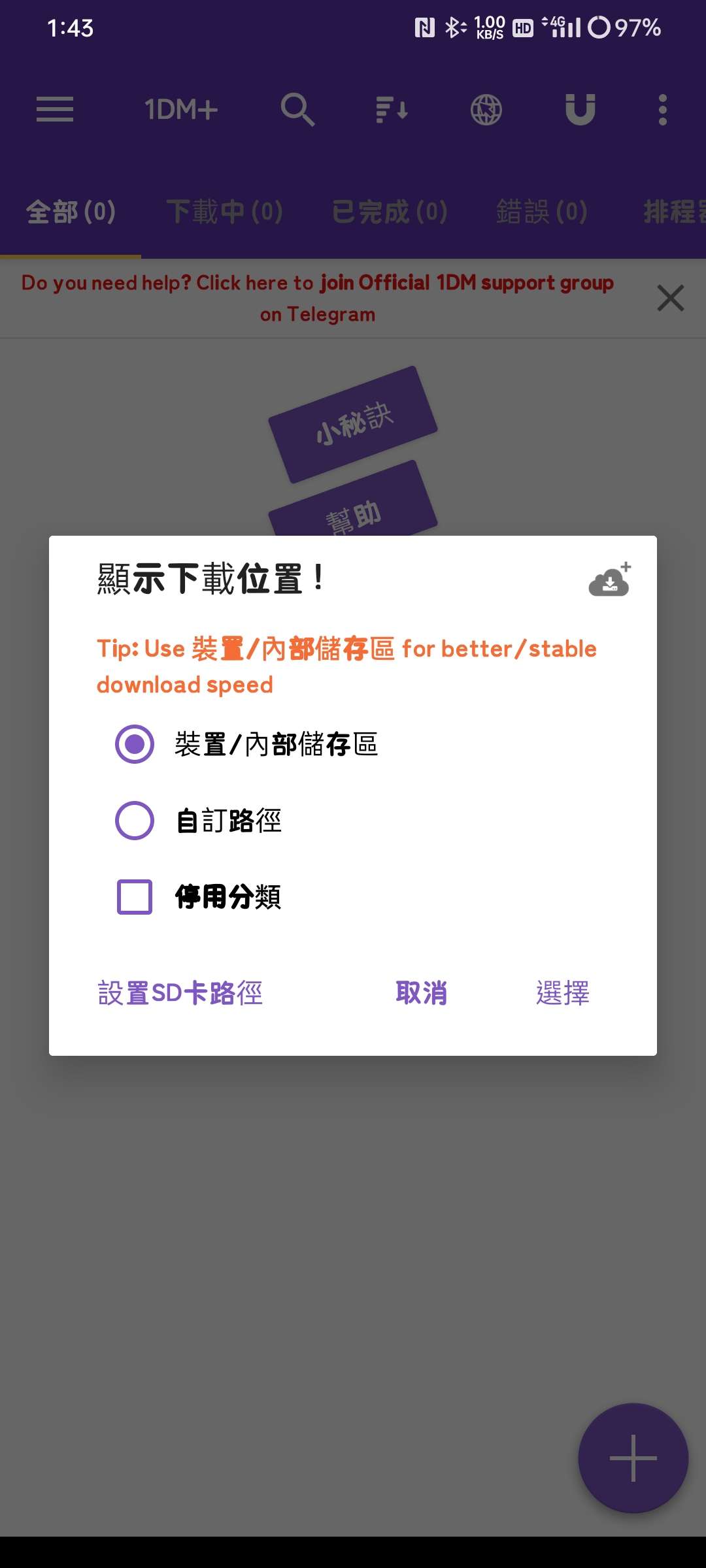
然后,选择内部存储
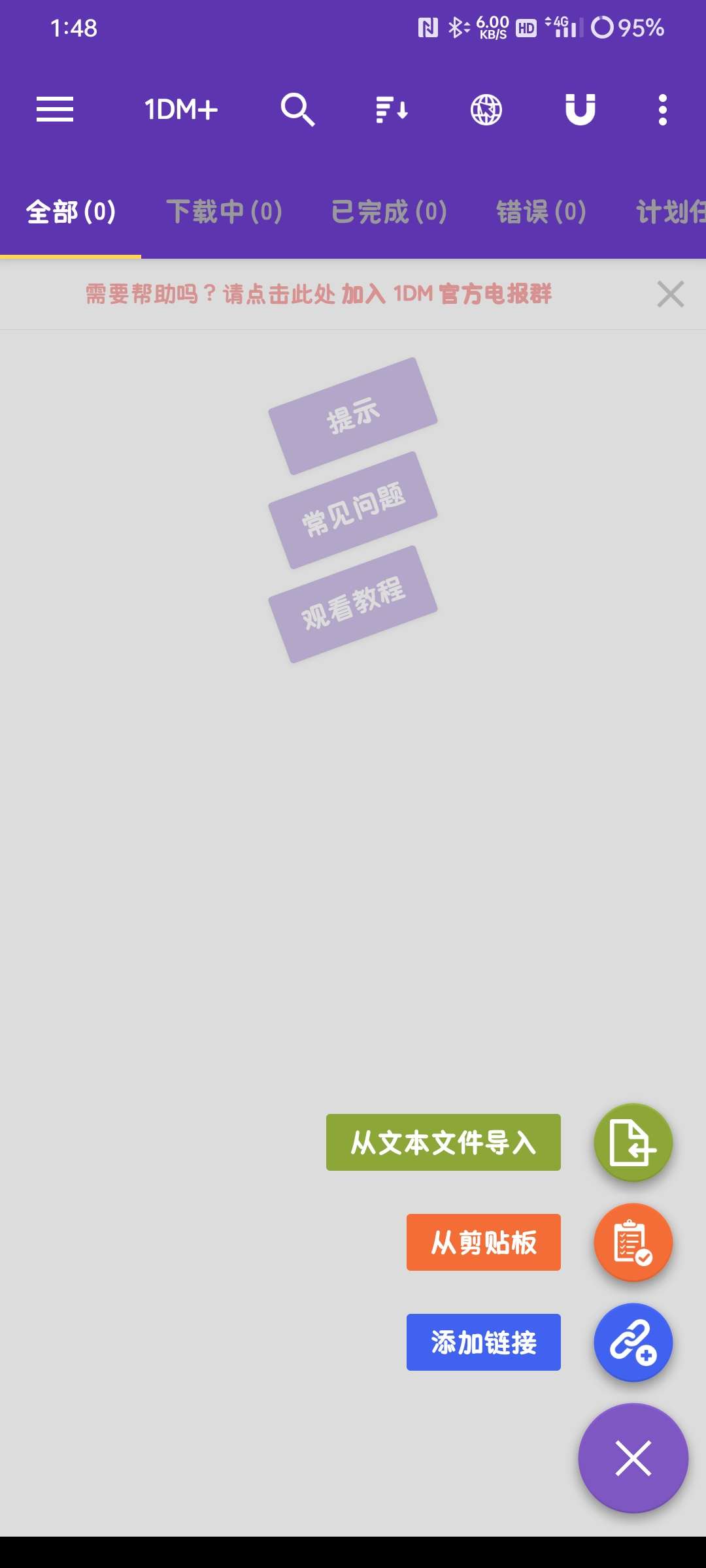
接下来,根据1dm+的提示完成新手教程,来到这个界面,你就完成了
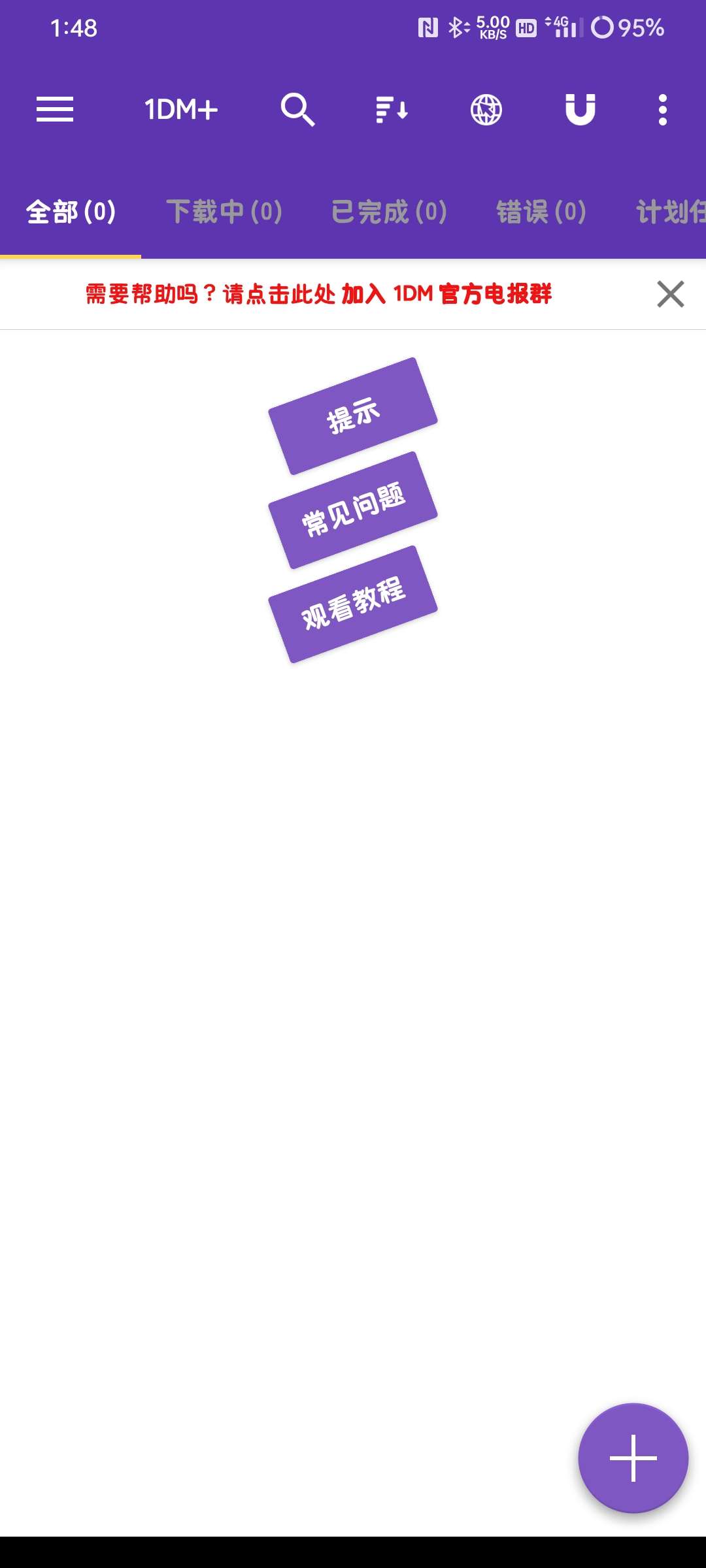
你可以用1dm+来下载文件,它可以通过网络链接下载,也可以通过种子下载
基础教学②(使用X浏览器多线程下载)
1.下载并安装X浏览器
2.找到任意可下载的文件以借用来换下载器(这里以我们1dm+的下载来示范)
Player version:
5.4.0
Video url:
Video volume:
Video time:
Video duration:
Video resolution:
x
[x]
进阶教学
下载“X浏览器”,进入浏览器后输入网址,安装油猴脚本
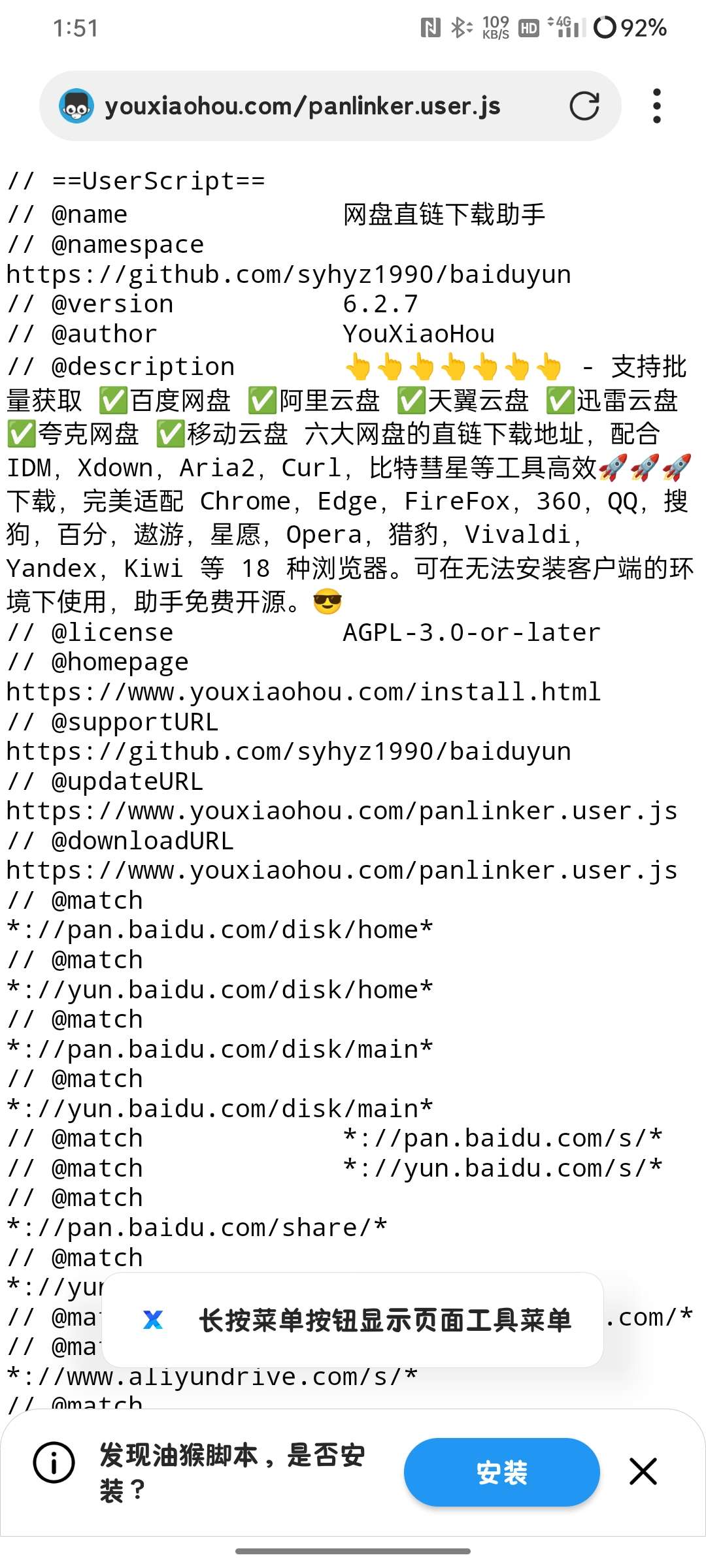
安装后,我们可以先检查是否开启油猴是否开启
Player version:
5.4.0
Video url:
Video volume:
Video time:
Video duration:
Video resolution:
x
[x]
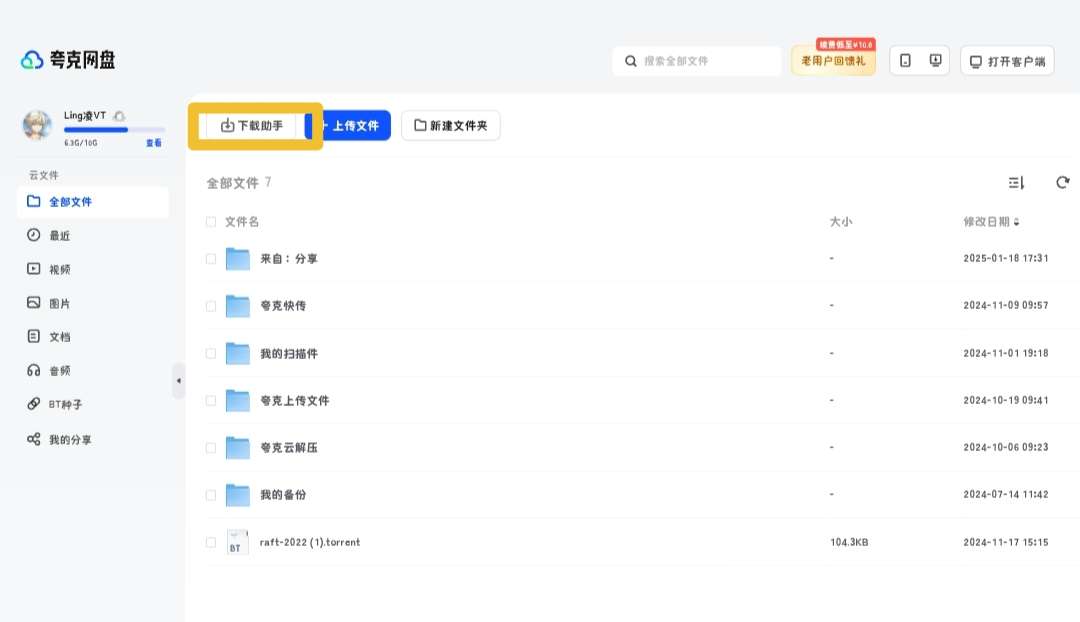
前往任意网盘看看插件是否有作用,并开启油猴插件
点击下载助手
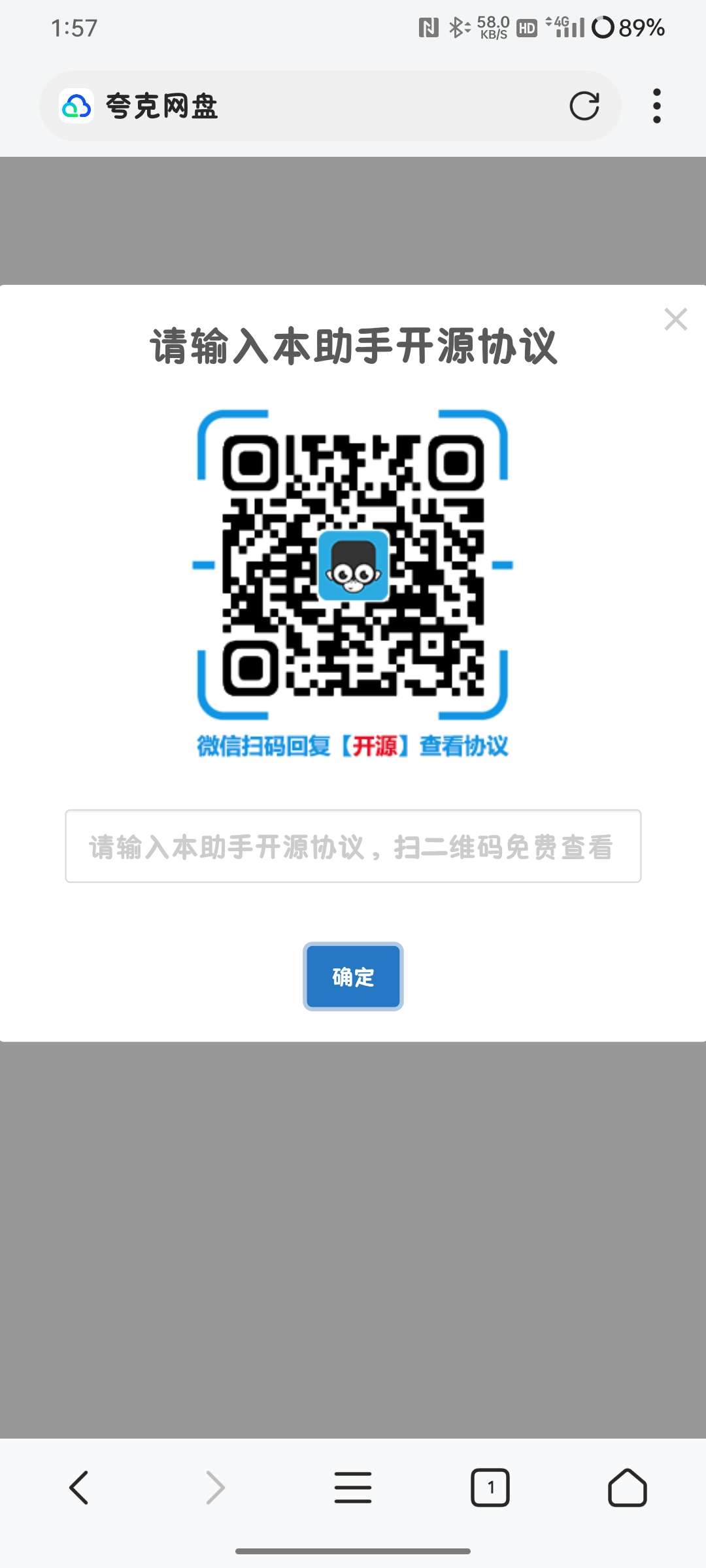
输入开源协议 AGPL3
我们看一下如何下载
Player version:
5.4.0
Video url:
Video volume:
Video time:
Video duration:
Video resolution:
x
[x]
DeclarationAll articles on this site, unless otherwise indicated or marked, are original publications of this site. Any individual or organization is prohibited from copying, stealing, collecting, or publishing the content of this site to any website, book, or other media platform without the consent of the author. If the content of this site infringes upon the legitimate rights and interests of the original author, please contact us for processing: DMCA Report












This guy seems to be very shy (bushi
This guy seems to be very shy (bushi
This guy seems to be very shy (bushi